A place for every workspace.
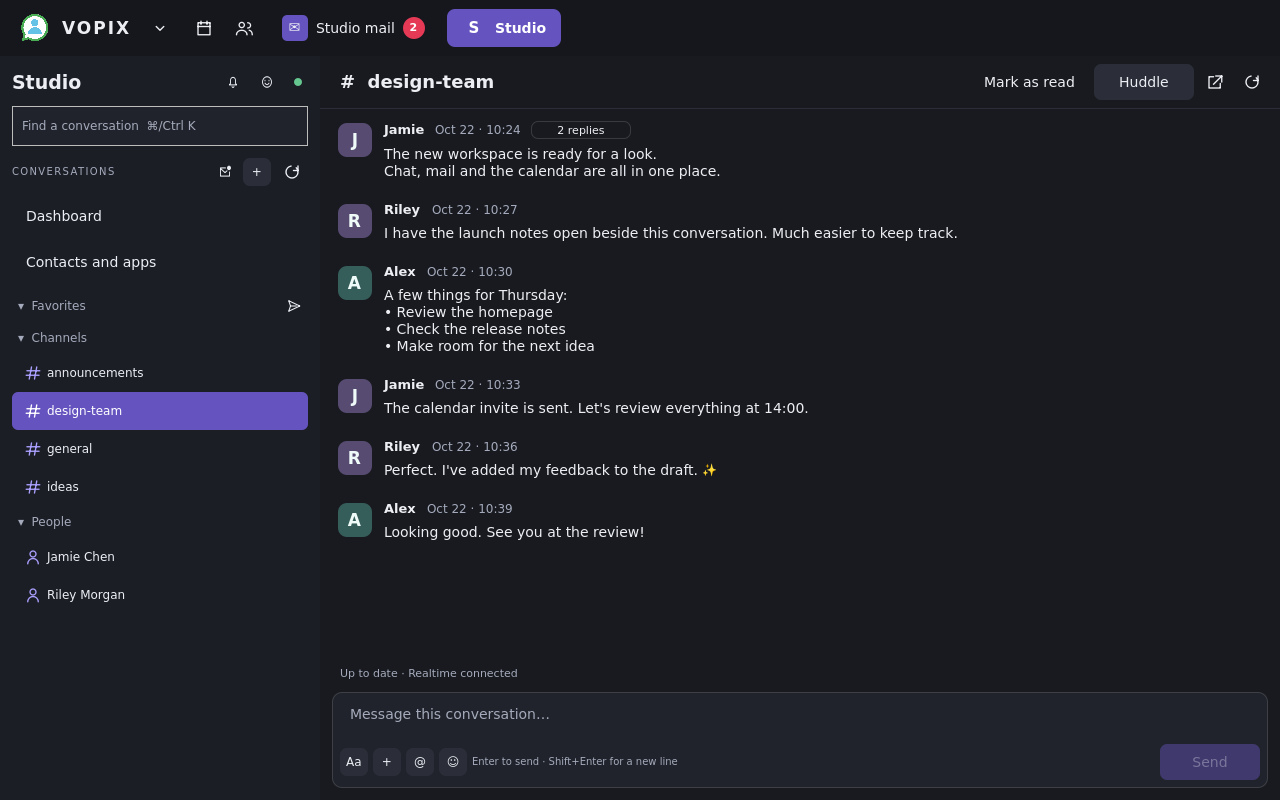
Switch between Slack workspaces, channels, and direct messages in one native desktop app.
 VOPIX
A NATIVE DESKTOP WORKSPACE
Bring Slack, email, calendars, and contacts together.
A little more room for everything your day holds.
Windows · macOS · Linux

Move between channels and direct messages. Keep the thread of your day.

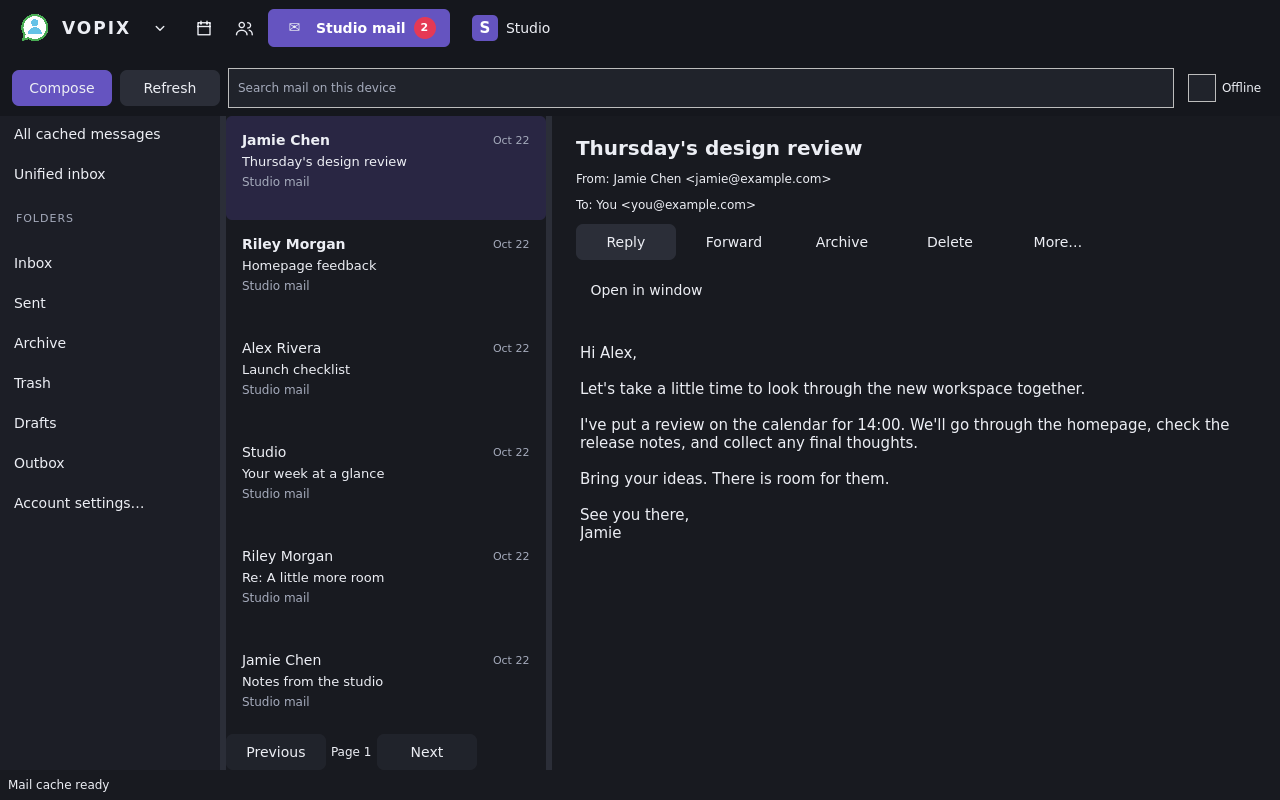
Read, reply, and return to the conversation without leaving your workspace.

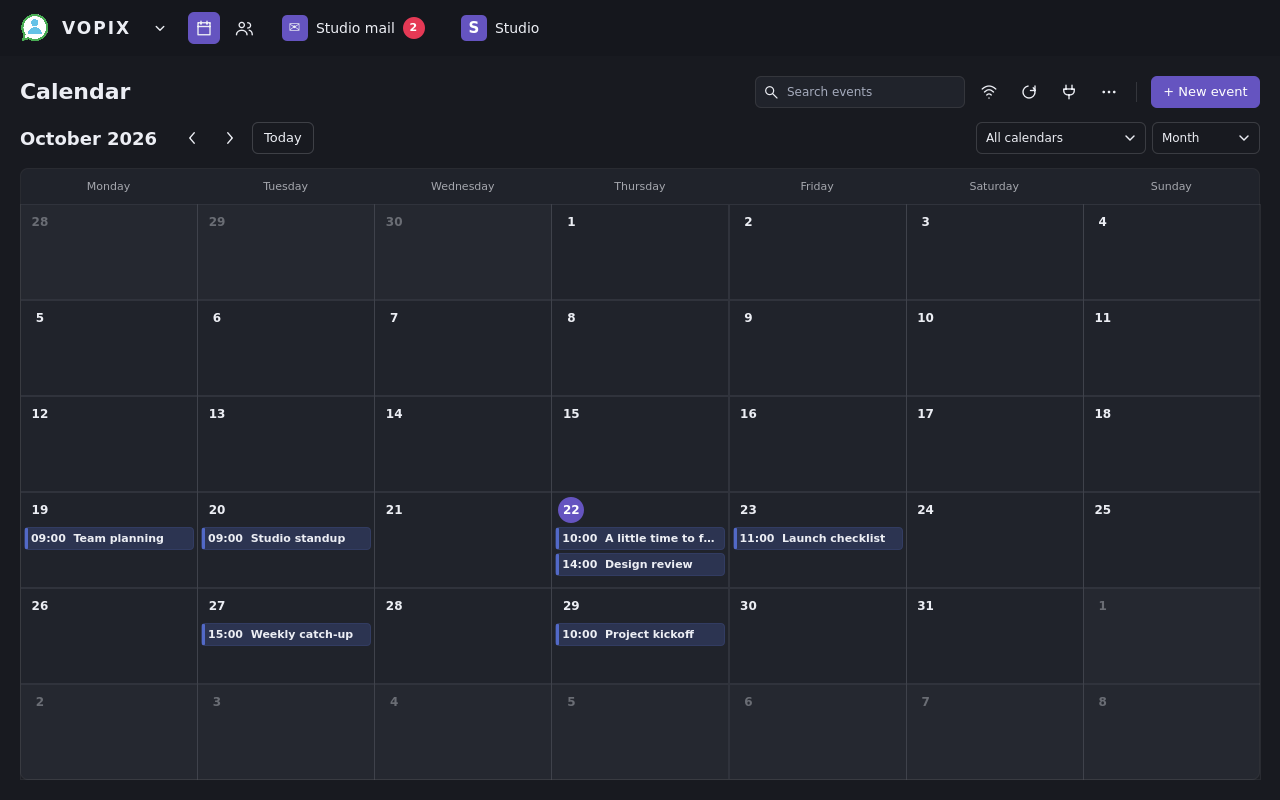
See what is coming up and keep your plans alongside your conversations.

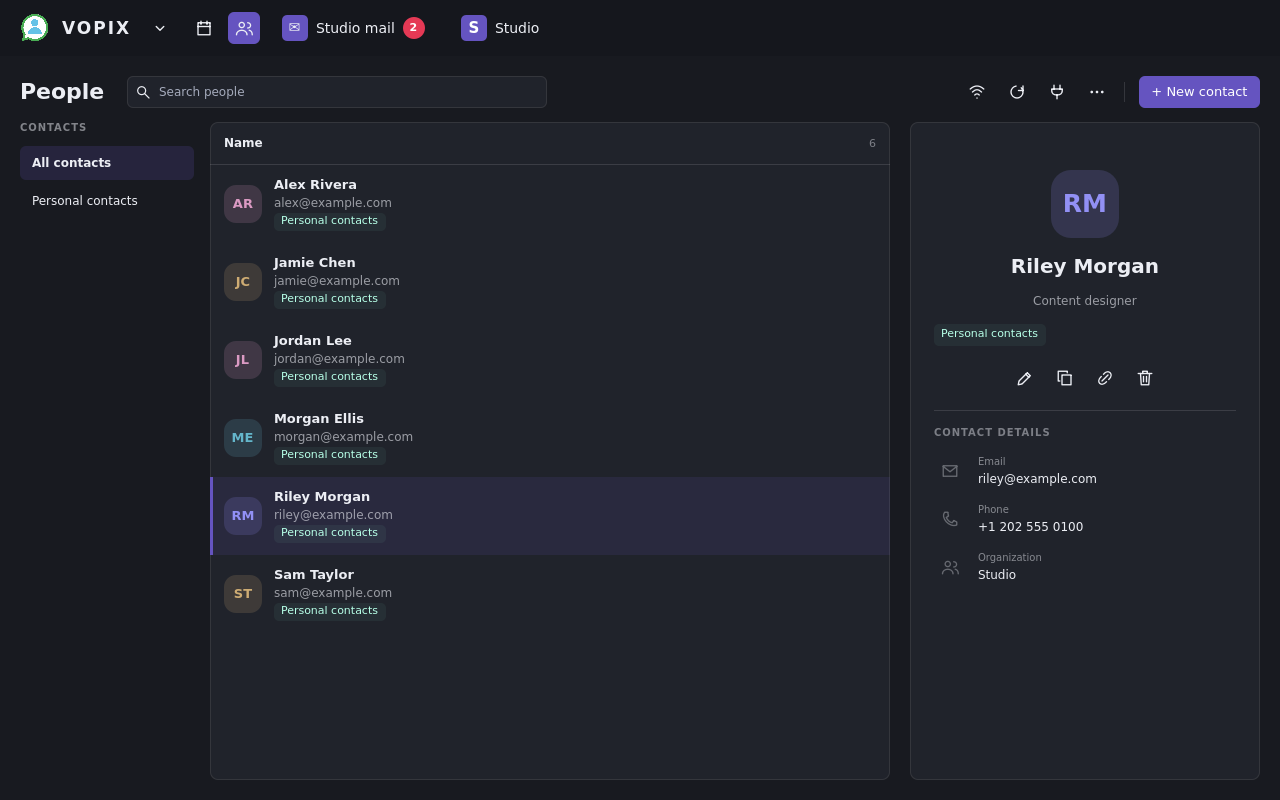
Keep personal contacts and workspace profiles within reach.
Experimental Mail, calendars, and contacts are in active development. Provider synchronization is still evolving.
A LITTLE MORE ROOM TO WORK
From the first message to the next meeting, keep the pieces of your day within reach.
Switch between Slack workspaces, channels, and direct messages in one native desktop app.
Open chats in separate windows. Put a discussion alongside the document, design, or task it belongs to.
Return to saved drafts and locally stored messages your client has received. Keep useful context close.
Read email, plan your calendar, and find a contact in the same workspace. These features are experimental.
MAKE YOURSELF AT HOME
Choose your platform. Installation details are right below.
Windows preview available · macOS and Linux packages coming soon
Windows 10 / 11 · x64
Download ZIPv0.1.0 · Windows preview · Portable ZIP
Extract the entire ZIP, then open Launch Vopix.cmd. Keep the extracted files together.
These builds are unsigned, so Windows may show an unknown publisher warning.
macOS 14+ · Apple Silicon
Coming soonDMG · Intel Macs not included
Open the DMG and drag Vopix to Applications.
These builds are not Apple-notarized or Developer ID signed. macOS may block the first launch. Review the download before allowing it in Privacy & Security.
Ubuntu 24.04 · x86_64
Coming soonDebian package (.deb)
In the folder containing the download, run:
sudo apt install ./Vopix-VERSION-linux-x86_64.deb
Other distributions and older Ubuntu versions have not been validated.
BEFORE YOU SETTLE IN
Vopix is an independent project in active development.
Vopix is an independent desktop client. It is not affiliated with Slack or Salesforce. Sign-in and available features depend on your workspace’s policies.
Vopix stores messages your client has received. It cannot recover messages that Slack no longer provides, or retrieve history your account cannot access.
They are experimental and in active development. Provider synchronization and supported features are still evolving. Check the release notes for the current build.
Builds target Windows 10 / 11 on x64, macOS 14 or newer on Apple Silicon, and Ubuntu 24.04 on x86_64. Intel Macs, other Linux distributions, and older Ubuntu versions have not been validated.
Open “How to install” under your platform’s download. It includes the required steps and information about unsigned builds. The Windows preview is available now, with checksums linked above. macOS and Linux packages are being prepared.